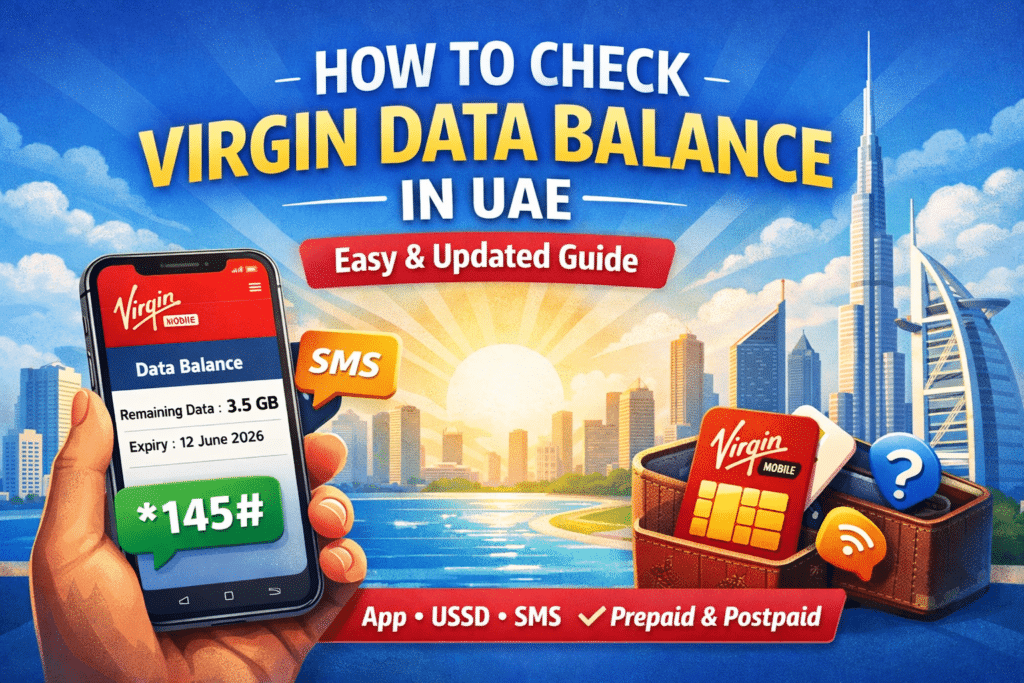
No notice that you are running out of mobile data? In case you are on Virgin Mobile in the UAE, this situation can make you avoid the slow Internet connection, sudden disconnection, and unexplainable problems with usage because of knowing how to check your Virgin data balance in the UAE.
In this complete guide, you’ll learn all the tricks to check Virgin Mobile UAE data balance regardless of whether you are on a prepaid or postpaid SIM.
What Is Virgin Mobile UAE?
Virgin Mobile UAE is a digital-first telecom provider in the UAE, which provides flexible mobile plans with the management of the mobile app as its primary tool. The users should learn how data tracking works, unlike traditional telecom providers, which are interested in app-based control, as adopted by Virgin.
Checking your data balance regularly helps you:
- Avoid sudden internet cut-offs
- Control data usage
- Prevent extra charges
- Manage prepaid data expiry
- Monitor postpaid monthly limits
The knowledge of how to check Virgin data balance in the UAE keeps you on the same page without any unpleasant surprises.
Ways to Check Virgin Data Balance in the UAE
Virgin Mobile UAE has several options for monitoring your internet balance. There are faster and more accurate methods. All formal and practical techniques are brought out below in a clear manner.
Check Virgin Data Balance Using USSD Code
There are those users who are keen to check their data balance without accessing the internet. To this end, Virgin Mobile UAE provides a limited USSD service.
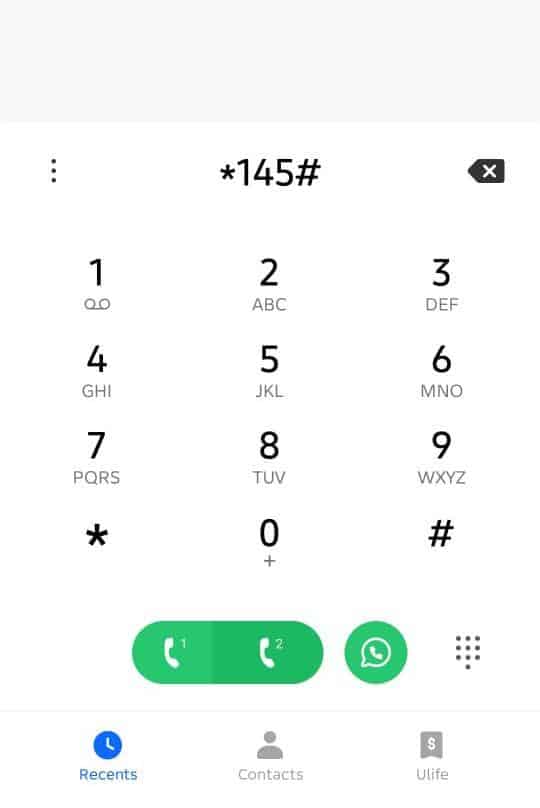
Steps to Check Virgin Data Balance via USSD
- Open the Phone dialer on your mobile
- Dial *145#
- Press the Call button
- Follow the on-screen instructions to view your available balance details
Read Also: How to Download Labour Contract in UAE (MOHRE Guide)
Using the Virgin Mobile App
Virgin Mobile UAE App is the most trusted and true method of checking your data balance. Virgin is an app-based service, and thus, this approach will always indicate real-time consumption.
Steps to Check Data Balance via Virgin Mobile App
- Install the Virgin Mobile UAE app in the Google Play Store or Apple App Store.
- The app opens and connects to the number used to register.
- Go to the Dashboard section
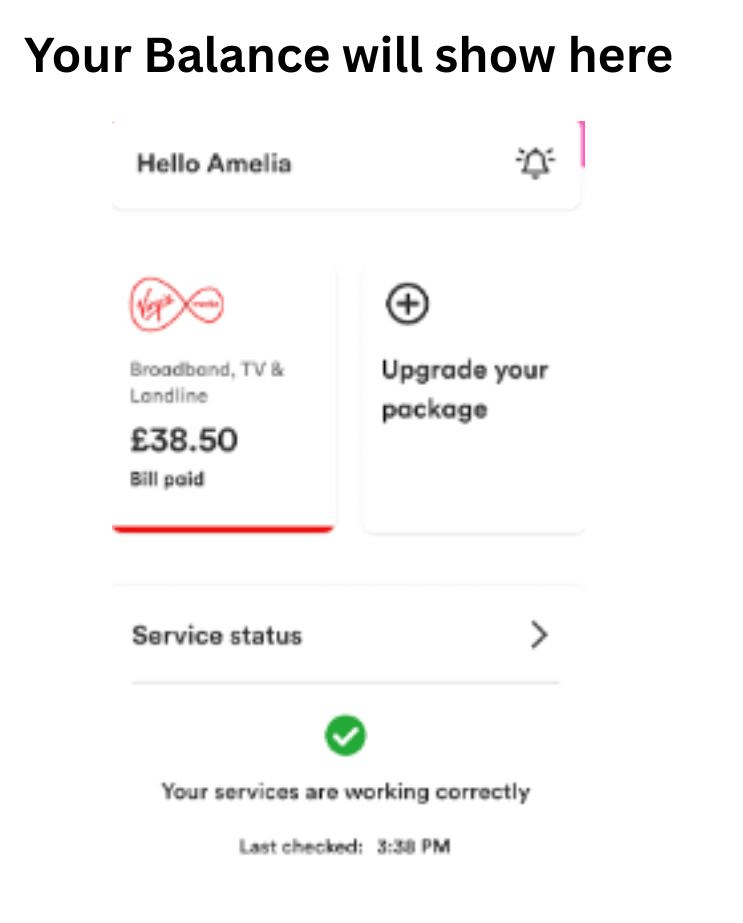
- Observe your remaining data, used data, and validity.
Why the App Is the Best Method
- Shows real-time data usage
- Exhibits still GBs evidently.
- Displays expiry date of data (on prepaid users)
- Prepaid and postpaid work.
- Permits upgrades and add-ons to the plan.
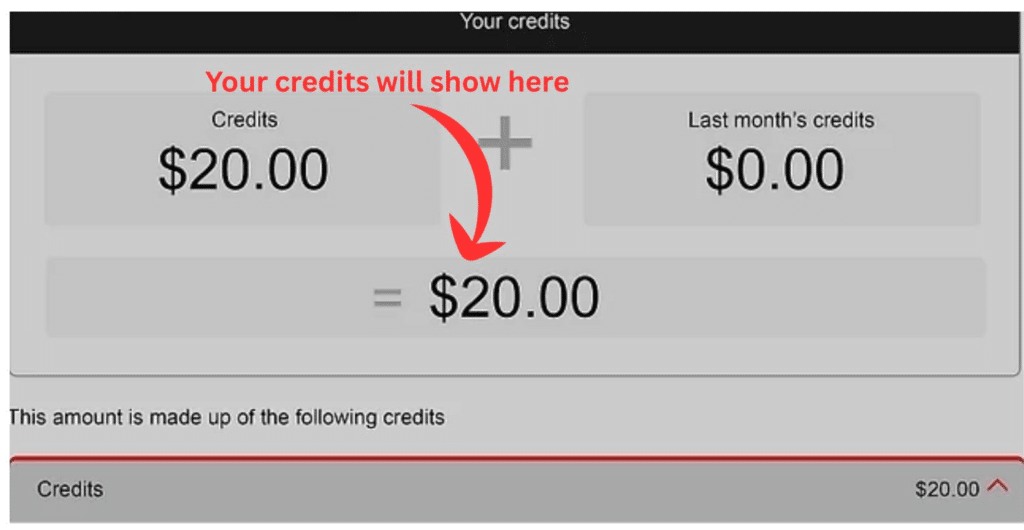
Should you need the quickest and most precise method of reviewing your Virgin data balance in the UAE, the application is the finest.
How to Check Virgin Data Balance for Prepaid Users
Virgin SIM prepaid users must be particularly keen on the usage of data since unused data can run out.
Best Way for Prepaid Users
- Use the Virgin Mobile App
- Check the remaining data and expiry date
- Monitor daily usage
What Prepaid Users See in the App
- Remaining internet balance
- Data validity period
- Active add-ons
- Usage history
Regularly checking your Virgin data balance in the UAE is a good way of ensuring that a prepaid user does not run out of unused data.
How to Check Virgin Data Balance for Postpaid Users
Postpaid users usually have a monthly data allowance instead of expiry-based data.
How Postpaid Data Tracking Works
- Data resets every billing cycle
- Extra usage may slow speeds or incur charges
- App shows used vs remaining data
Recommended Practice
- Check the app weekly
- Improve the plan in case of constant overlimits.
The advantage of using apps to track transactions is that postpaid users are not charged without notice.
Virgin Data Balance Not Showing? Common Issues and Fixes
There are occasions when users have problems checking their data balance. These are some of the typical issues and easy solutions.
App Not Updating Data Usage
Possible Causes:
- Poor internet connection
- App cache issue
- Temporary server delay
Fix:
- Refresh the app
- Log out and log in again
- Update the app to the latest version
Data Balance Showing Incorrect Information
Possible Causes:
- Delay in usage update
- Background apps consuming data
Fix:
- Wait a few minutes
- Restart your phone
- Check usage again
Unable to Log In to Virgin App
Possible Causes:
- Incorrect login details
- SIM not active
- Network issues
Fix:
- Verify your number
- Reinstall the app
- Get in touch with Virgin support using the app.
FAQs
How can I check my Virgin data balance in the UAE for free?
Virgin data balance is free to check using the official Virgin Mobile UAE application. It demonstrates actual usage and the leftover data without incurring charges.
Is it possible to check the Virgin data balance without using the app?
At present, Virgin Mobile UAE primarily helps with the balance check via its mobile application, and USSD and SMS services are rare and not always effective.
Is Virgin Mobile UAE real-time updated on data use?
The Virgin app does update data practically in real-time, yes. There might be some small delays, yet the data is usually correct.
Does it have a USSD code to check Virgin data balance?
Virgin Mobile UAE has no permanent USSD code for checking data balance. The suggested approach is the app.
At what frequency should I check my Virgin data balance?
You should at least check your data balance at least once every couple of days, particularly when you stream videos or use a mobile hotspot.
Read Also: How to Calculate Mortgage in the UAE
Final Thoughts
The information on how to check Virgin data balance in the UAE can make your life easier as you can always be connected, prevent interruptions, and use your phone effectively. Although Virgin is limited to offline services, the Virgin Mobile app is the quickest, precise, and convenient service for prepaid and postpaid clients.
In case you use mobile data every day, it is not only beneficial to check your balance, but it is also obligatory.


