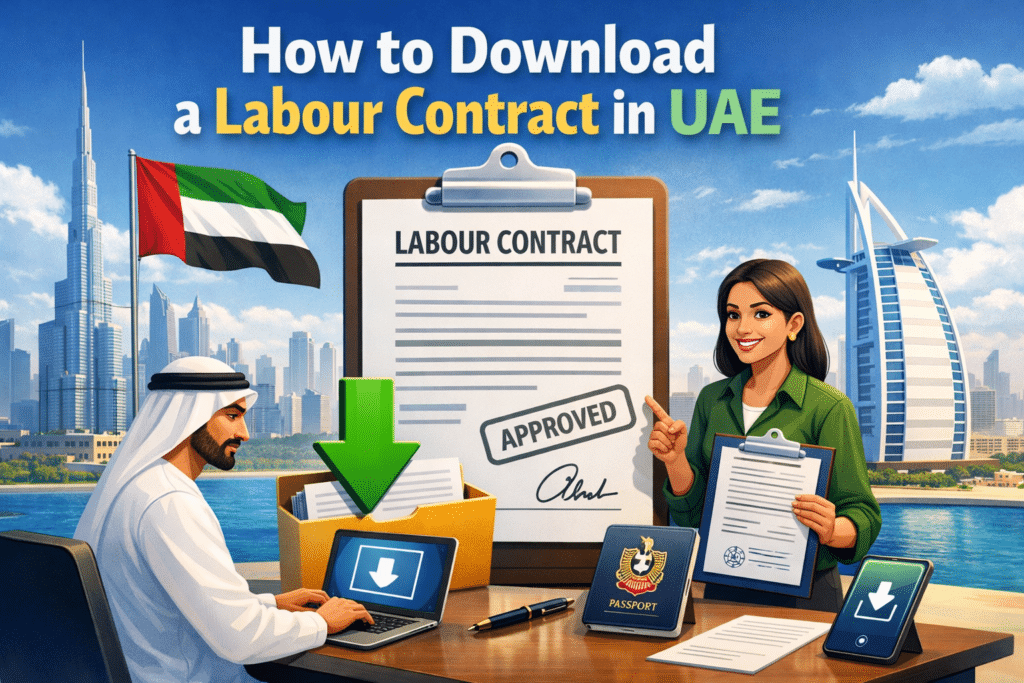
Looking to download your labour contract quickly and safely? Whether you are an employee or employer, having a copy of your labour contract is essential for legal compliance, visa purposes, and personal records. Fortunately, downloading it is simple if you know the right steps.
In this guide, I will show you exactly how to download a labour contract in UAE, using the three official methods:
- MOL Website
- MOHRE Website
- MOHRE Mobile App
I will walk you through each method step by step, explain which one works best, and also help you if your contract does not appear.
What Is a Labour Contract?
A labour contract is an official employment agreement registered with the UAE government. It includes important details such as your job title, salary, employer name, contract duration, and working terms. This document legally proves that you are employed in the UAE.
Many employees need their labour contract for:
- Opening a bank account
- Applying for loans or credit cards
- Visa or Emirates ID-related matters
- Embassy or legal documentation
- Personal record keeping
Ministry of Human Resources and Emiratisation (MOHRE) allows workers to download their labour contract online directly from government systems. This ensures transparency and protects employee rights.
Method 1: Download Labour Contract via MOHRE
The MOHRE website is the most reliable platform for downloading your labour contract. It provides the latest employment records and is widely accepted by banks and authorities.
Why the MOHRE Website Is the Best Option
- Updated employment data
- User-friendly interface
- Faster verification process
- Accepted by banks, embassies, and government offices
Step 1: Open the Official MOHRE Website
Visit the official MOHRE website using a secure browser.

Step 2: Go to Employee Services
Click on Services and select View approved contract.

Step 3: Log In Using UAE Pass or Credentials
Sign in using UAE Pass or your registered MOHRE login details.
Step 4: Access View my contract
Access View my contract and enter transaction number, passport number, and access and find your contract.

Step 5: Select Your Active Job Profile
Choose your current or active employment record from the list.
Step 6: Download or Print Your Labour Contract
View the contract and download or print your MOHRE labour contract copy.

If Your Labour Contract Is Not Visible
- The contract may still be under approval
- Employer submission may be pending
- Personal details may not match MOHRE records
In such cases, wait a few working days or contact your employer for confirmation.
Read Also: Free Grade 2 English Worksheets – Fun & Printable Today
Method 3: Using the MOHRE App
The MOHRE mobile app is the fastest and most convenient way to access your labour contract on a smartphone.
Supported Devices
- Android
- iOS
Step 1: Install the Official MOHRE App
Download and install the MOHRE app from your device’s App Store or Play Store.

Step 2: Log In to the App
Sign in using UAE Pass or your registered mobile number.
Step 3: Open Employee Services
From the dashboard, tap on Employee Services.

Step 4: Access Labour Contract Section
Select Employment Contract or Labour Contract.
Step 5: Choose Your Active Contract
Tap on your active employment record.
Step 6: Download the Labour Contract PDF
Download the contract to your phone for offline access.
Where the File Is Saved
The PDF is usually stored in your phone’s Downloads folder, ready to share or print.
What to Do If You Can’t Find Your Labour Contract
If your labour contract does not appear using any method, do not panic. This happens more often than people think.
Common Reasons
- You recently joined the company
- Contract is not approved yet
- Employer delay in submission
- Incorrect Emirates ID or passport details
What You Should Do
- Double-check your personal information
- Wait a few working days after joining
- Contact your employer or HR department
- Call the MOHRE helpline for clarification
- Visit a Tasheel service center if necessary
Most issues are resolved once details are corrected in the system.
Is It Legal to Download a Labour Contract Online?
Yes, absolutely. Downloading your labour contract online is 100% legal and officially authorized by the UAE government.
- MOHRE and MOL are government entities
- Digital contracts are legally valid
- Accepted by banks, embassies, and authorities
- PDF copies carry official verification
You can confidently use your downloaded labour contract wherever required.
Common Mistakes to Avoid
- Entering incorrect ID details
- Using unofficial websites
- Waiting for the employer unnecessarily
- Not saving the contract after download
Your labour contract is an important document. Keeping a copy gives you peace of mind and control over your employment records.
Read Also: DBR Calculation UAE – How Banks Decide Your Approval
Final Advice
After helping many employees with this issue, I can confidently say that the MOHRE website and app work best in most cases. They are updated, secure, and easy to use. Always save a PDF copy on your phone and email for future needs.