Do you need to cancel your eLife subscription, but you do not know which is the fastest and most efficient method to do it? You’re not alone. Most of the users are at a loss with what to begin with, which mode to use, and the possibility of incurring cancellation fees. This misunderstanding may result in time wasting, additional charges, or unnecessary stress.
This step-by-step manual describes the process of how to unsubscribe to eLife on the official platforms and services offered by e&UAE, which are also accessible on the mobile app, SMS service, and customer care number.
What Is eLife Subscription?
eLife is an e-home service package that is offered in the United Arab Emirates. It offers a combination of various services under a single subscription, such as:
- High-speed home internet
- TV channels and entertainment
- Landline phone service
This is due to the fact that this bundled service is cost-effective and convenient to the residents. Nonetheless, there is a possibility of cancellation of subscription by the users due to different reasons.
Common Reasons to Cancel an eLife Subscription
Customers usually have a number of legitimate reasons as to why they cancel their eLife service.
Moving to a New Location
You might have to cancel your existing eLife connection in case you are moving to a new apartment, villa, or you are leaving the country.
Switching to Another Internet Provider
Other users change to a different provider due to improved pricing, speed of internet connection, or service quality.
High Monthly Costs
Reduction in monthly budgets or financial planning might involve cutting unwanted services from the budget.
No Longer Using the Service
You may not need to continue with the subscription if you are not utilizing the TV or landline capabilities.
How to Cancel an eLife Subscription Using the Etisalat App
The best and quickest method of canceling your subscription is through the official app.
Follow these steps carefully:
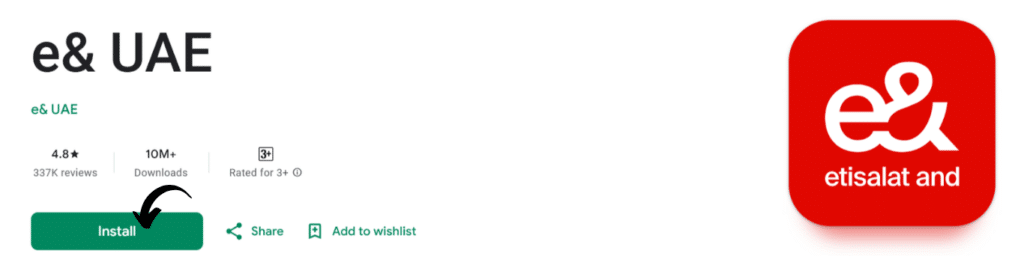
Step 1: Open the e& App
Install the official e& app on your smartphone.
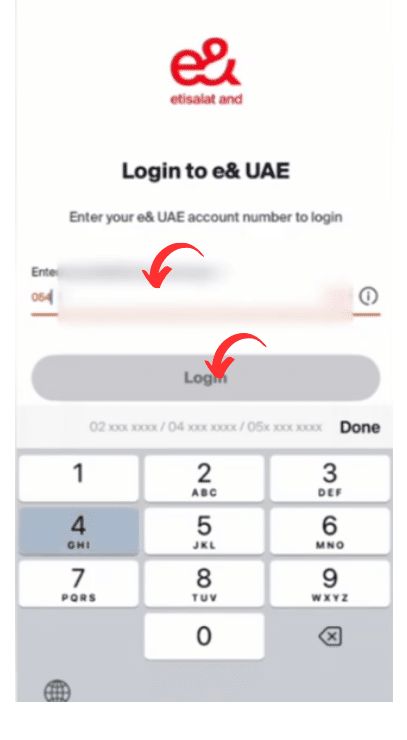
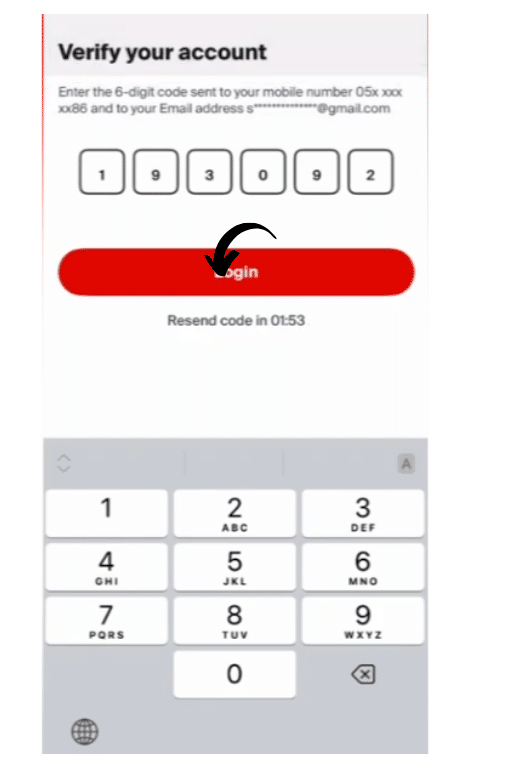
Step 2: Log in to Your Account
Log in using your account details or registered mobile number.
Step 3: Go to the Services Section
Navigate to:
- Internet services
- eLife subscription
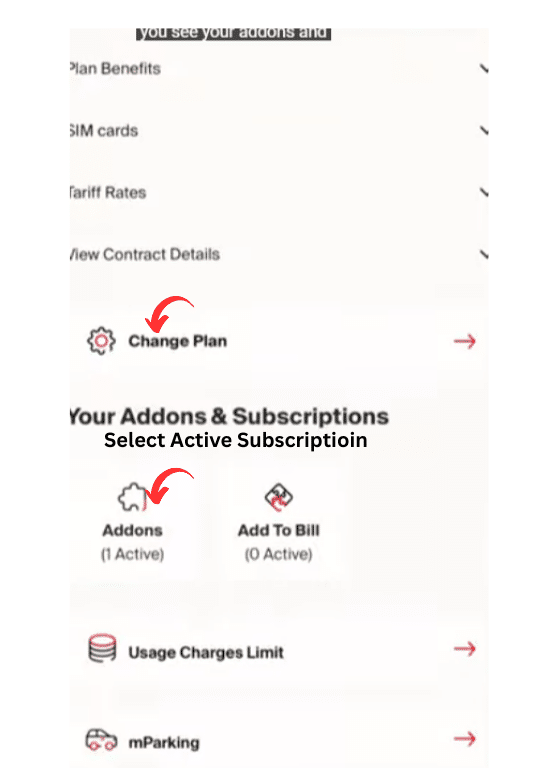
Step 4: Select Cancel Subscription
Select your active eLife plan and choose the option of cancellation.
Step 5: Confirm Cancellation Request
Follow the on-screen instructions and confirm your cancellation request.
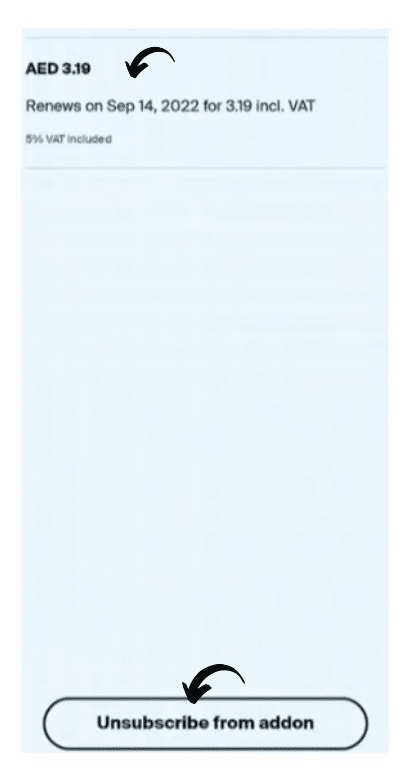
Step 6: Receive Confirmation
You will be informed through:
- SMS
- App notification
This is to confirm that a cancellation request has been received.
How to Cancel eLife Subscription Using SMS *101#
This trick is applicable when you want to use your phone without having to open the application.
Follow these simple steps:
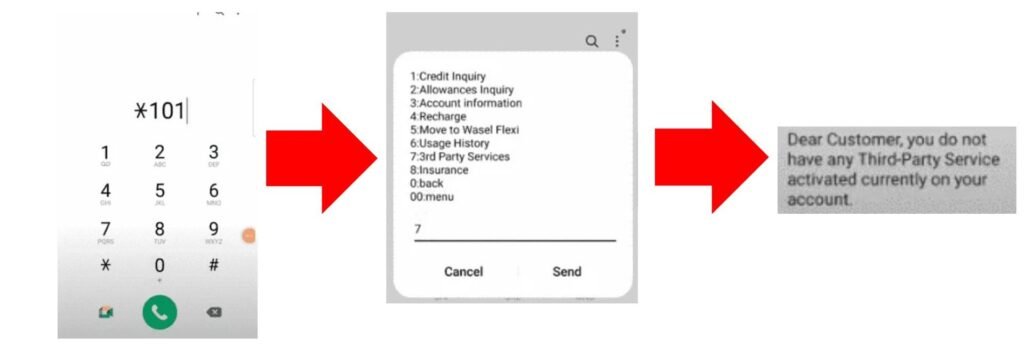
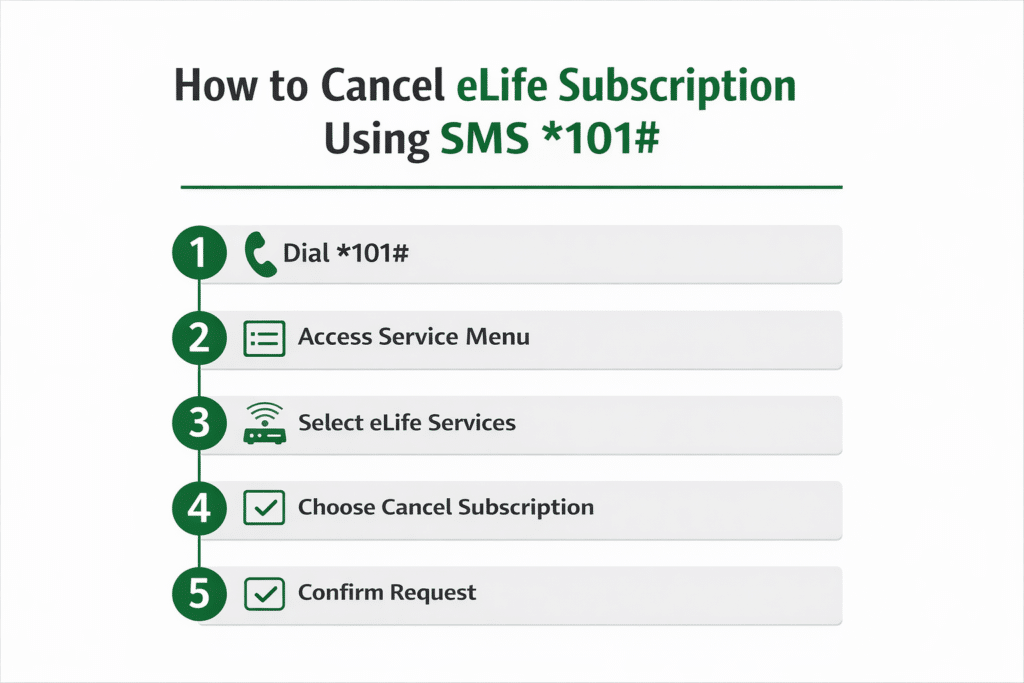
Step 1: Dial *101#
Call your mobile phone dialer and enter: *101#
Step 2: Access Service Menu
A service menu will appear on your screen.
Step 3: Select eLife Services
Select the choice that is in connection with the internet or eLife services.
Step 4: Choose Cancel Subscription
Select the cancellation option from the menu.
Step 5: Confirm Request
Do as you are told and be sure of your demand.
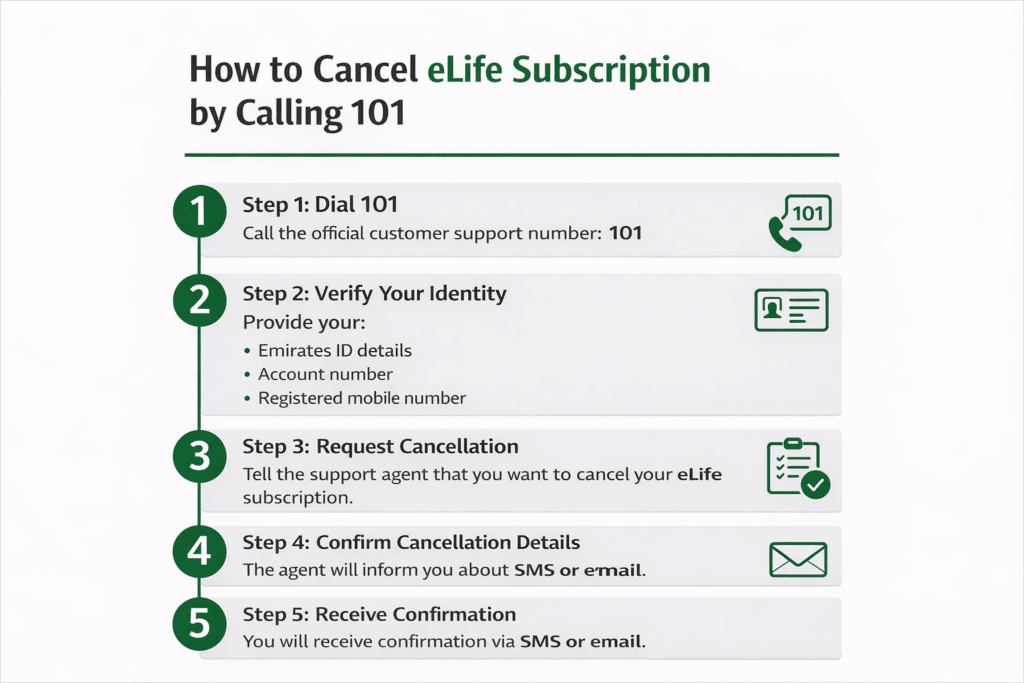
How to Cancel an eLife Subscription by Calling 101
Another sure way of doing this is by calling customer support, particularly in case of any form of assistance.
Step 1: Dial 101
Call the official customer support number: 101
Step 2: Verify Your Identity
Provide your:
- Emirates ID details
- Account number
- Registered mobile number
Step 3: Request Cancellation
Instruct the support agent to cancel my eLife subscription.
Step 4: Confirm Cancellation Details
The agent will inform you about:
- Cancellation charges
- Equipment return process
- Final bill
Step 5: Receive Confirmation
You will receive confirmation via SMS or email. You will be informed either through SMS or email.
Required Information for eLife Cancellation
Keep the following information ready:
- Emirates ID
- Registered mobile number
- Account number
- Service address
This helps complete the cancellation faster.
How Long Does eLife Cancellation Take?
The cancellation process is normally:
- 24 to 48 hours for request processing
- Up to 7 days for full service termination
Return of equipment can impact the completion time.
How to Avoid eLife Cancellation Fees
These tips will help you to minimize or evade fees:
Wait Until Contract Ends
Avoidance in a situation where the contract has already been finished is to save on early termination charges.
Transfer Service Instead of Cancelling
In case of moving to a new home, get the transfer of the service rather than cancel it.
Confirm Contract Status First
Cancellation for checking your contract term beforehand.
What Happens After Cancelling eLife Subscription?
Upon cancellation, the following changes are made:
- Internet service stops
- TV service stops
- Landline service stops
- Final bill is generated
Make sure that all equipment is returned so as not to incur any additional fees.
Benefits of Cancelling Properly
Cancelling properly ensures:
- No extra charges
- Smooth service termination
- No future billing issues
- Clean account closure
Common Mistakes to Avoid
Avoid these common mistakes:
- Not checking contract status
- Not returning equipment
- Ignoring the final bill
- Using an unregistered number
These mistakes may cause delays or charges.
Frequently Asked Questions (FAQs)
Can one cancel a subscription to eLife through the app?
Yes, it is easy to cancel with your account dashboard, based on the official app.
Is it possible to cancel an eLife subscription by using SMS?
Yes, press 101# and do as you are told to cancel.
What is the cancellation customer support number?
You can call 101 for cancellation support.
What is the time taken to cancel it?
Within a period of 1 to 7 days, typically subject to the process.
Do I need to return equipment?
Yes, it must send back the equipment without any charge.
Read Also: UAE Visa Status Change Without Exit (ICP Guide)
Final Thoughts
It is not difficult to cancel your eLife subscription, provided that you do it through the proper procedure. No matter which way you decide to cancel: be it the e& app, SMS *101#, or calling 101, each of the ways is made to ensure that you cancel fast and safely. It is always best to keep track of your contract status, pay outstanding bills, and to always return equipment to avoid unnecessary expenses.
The most convenient and quickest way is the app approach, and the option of calling customer service offers to call in case of assistance.


