
Etisalat enables its users to redirect call communications to different phone numbers through its call-forwarding solution. Etisalat enables numerous user-friendly options to establish call forwarding for all phone call redirection purposes, whether for basic availability or reaching distant contact numbers.
In this detailed guide, I will cover all the details about Etisalat call forwarding, which involves how to enable and disable the facility using USSD codes as well as the Etisalat app.
What is Call Forwarding?
Call forwarding is a phone service that enables you to divert incoming calls to a new phone number. This would be very handy, especially when you are too busy, inaccessible, or otherwise engaged to answer your phone. Etisalat call forwarding service can be used to ensure that everything that is important to you is forwarded to a number of your choice.
How to Set Up Call Forwarding on Etisalat
Using USSD Codes
Etisalat offers a number of USSD codes that allow forwarding a call under various situations. These codes can be directly used in the dials of your phone.
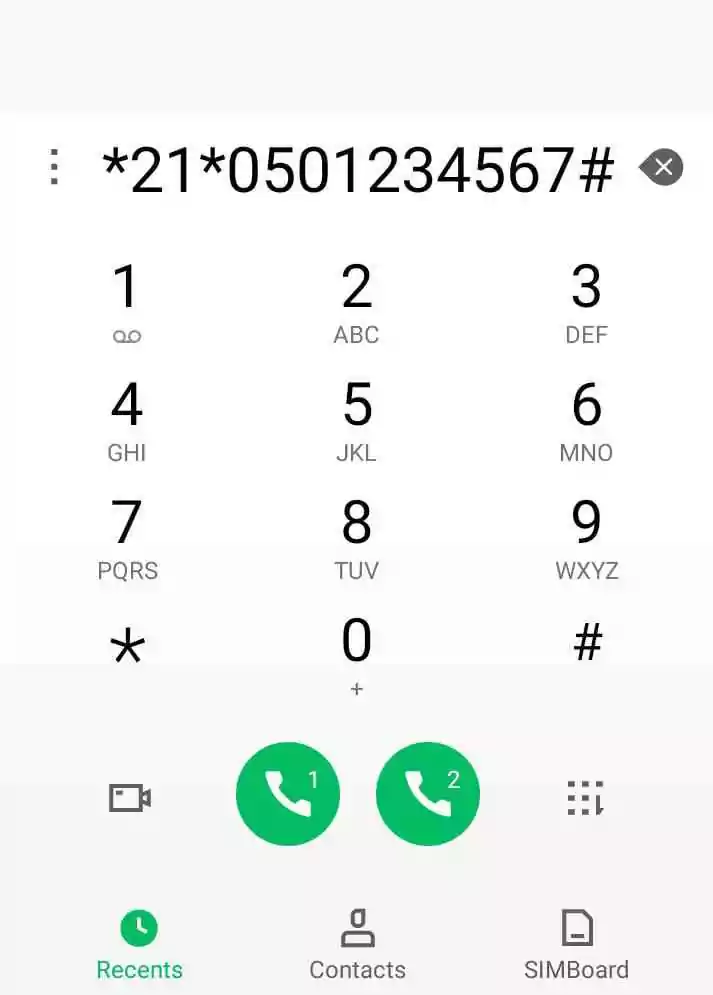
1. Call Forwarding Always
- Function: Forwarding All Incoming Calls. Forward all incoming calls without ringing your telephone.
- USSD Code: Dial
*21*<Phone Number>#and press the call button. - Example: If you want to forward all calls to 0501234567, dial
*21*0501234567#. - How to Disable: Dial
#21#and press call.
2. Call Forwarding When Busy
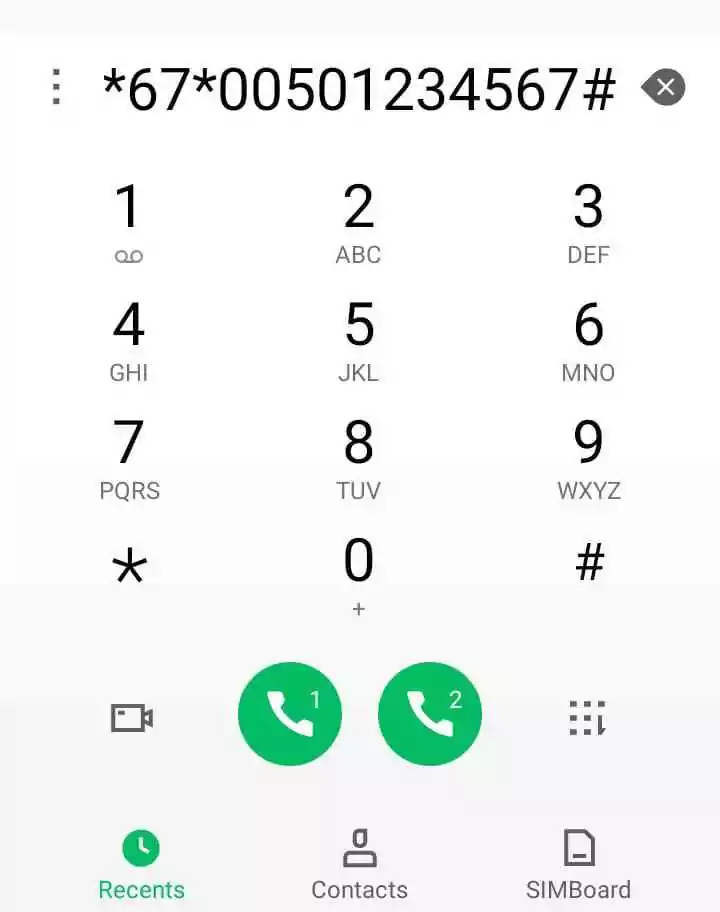
- Function: Forwards calls to another number only when you are on another call.
- USSD Code: Dial
*67*<Phone Number>#and press the call button. - Example: Dial
*67*0501234567#to forward calls when busy. - How to Disable: Dial
#67#and press call.
3. Call Forwarding When Unanswered
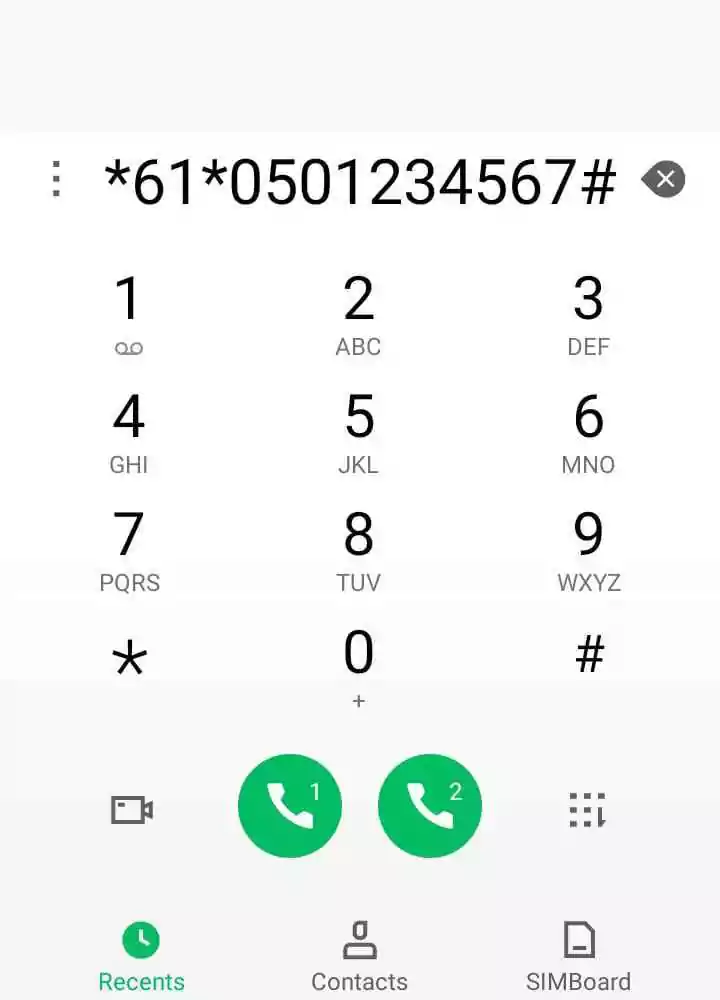
- Function: Forwards calls when you do not answer after a few rings.
- USSD Code: Dial
*61*<Phone Number>#and press the call button. - Example: Dial
*61*0501234567#to forward unanswered calls. - How to Disable: Dial
#61#and press call.
4. Call Forwarding When Unreachable
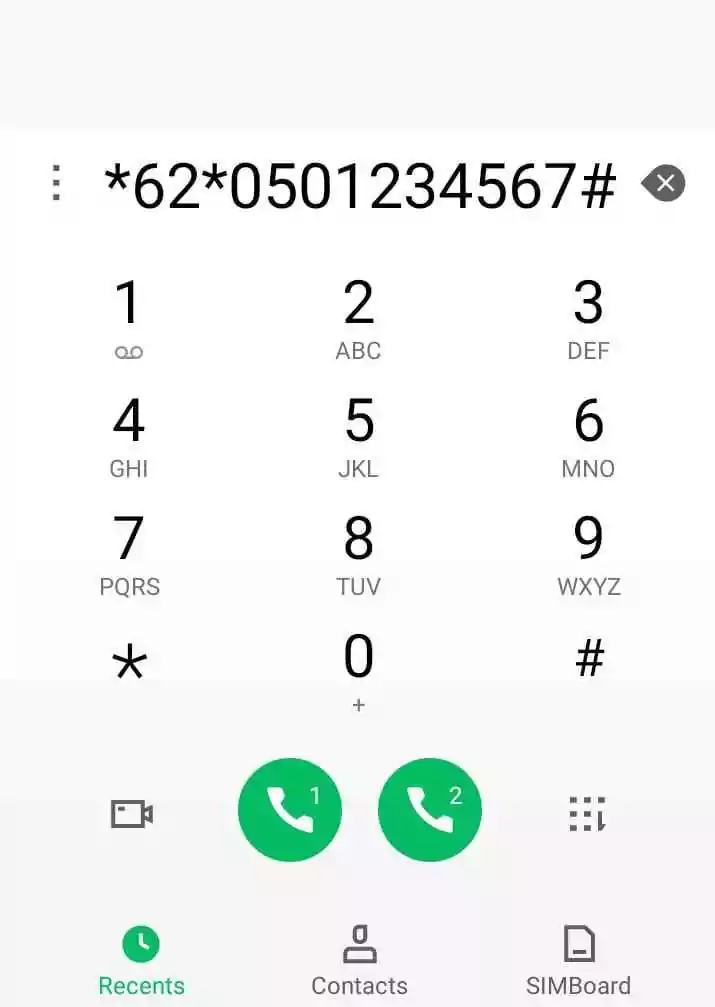
- Function: Forwards calls when your phone is switched off or out of network coverage.
- USSD Code: Dial
*62*<Phone Number>#and press the call button. - Example: Dial
*62*0501234567#to forward calls when unreachable. - How to Disable: Dial
#62#and press call.
Read Also: Dubai Drone License: Your Easy Guide
Using the Etisalat App
The Etisalat mobile app has an easy way of enabling call forwarding settings.
Steps to Set Up Call Forwarding via the App
- Open the Etisalat app on your phone.
- Navigate to the Settings section.
- Select Call Settings.
- Tap on Call Forwarding.
- Choose the available options of call forwarding that are Always, When Busy, Unanswered and Unreachable conditions.
- Enter the telephone number at which you will receive your incoming calls into the given field.
- Click Enable to activate call forwarding.
How to Cancel Call Forwarding Etisalat
To cancel Etisalat call forwarding, it is possible to apply the following USSD codes:
- To cancel all call forwarding: Dial
##002#and press call. - To cancel forwarding of all calls: Dial
#21#and press call. - To cancel forwarding when busy: Dial
#67#and press call. - To cancel forwarding when unanswered: Dial
#61#and press call. - To cancel forwarding when unreachable: Dial
#62#and press call.
Benefits of Using Etisalat Call Forwarding
- Never Miss Important Calls:
The service allows one to stay constantly connected to your phone conversations and reroutes to another number when you are in a meeting or travelling, or when your phone is unreachable. - Flexibility:
You can determine the situations causing the call forwarding so as to choose the busy, unanswered, or even unreachable conditions. - Ease of Use:
It provides fast and convenient activation and deactivation of call forwarding through USSD code and the Etisalat application. - Cost-Effective:
Etisalat call forwarding service gives people an opportunity to communicate with you at a favourable price in order to keep in touch at a reasonable price.

Things to Keep in Mind
- Check Call Forwarding Rates:
Although call forwarding is convenient, it might be charged with extra fees depending on your plan. Before using the service, make sure to check the rates of Etisalat. - Ensure the Forwarded Number is Active:
The destination number that the forwarded calls are sent to must be active and reachable within the network area. - Test the Service:
Talk forwarding monitoring. You will need to test forwarding of your number first to ensure that the service is operating correctly. - Use the Etisalat App for More Control:
The Etisalat app enables users to see the full information regarding the management of call forwarding with enhanced control options.
Frequently Asked Questions (FAQs)
Do all Etisalat users have access to call forwarding?
The Etisalat prepaid and postpaid customers can all activate the call forwarding services.
2. Can I forward calls to an international number?
International call forwarding is made possible by the service, but the customers must be given the information on the additional charges that will be incurred.
3. How do I check if call forwarding is active?
Your device can display call forwarding status through entries #21#, #67#, #61#, and #62# for individual options.
4. Can I use call forwarding while roaming?
Yes, it can also do call forwarding even when roaming; however, the roaming fees might be charged.
5. What happens if the forwarded number is busy or unreachable?
When the forwarded number is occupied or inaccessible, then the number will not be forwarded and the calling line will play a busy sound or give a diversion to the voicemail.
Read Also: MOHRE Complaint: How Fast Can I File in the UAE?
Final Words
The call forwarding system provided by Etisalat delivers an essential tool for all customers who need to avoid missing critical phone conversations. Your ability to activate and deactivate call-forwarding functions on Etisalat uses both USSD codes and their app for convenient management.
These guidelines should contain every necessary detail you need to maximize Etisalat’s call-forwarding functionality.


