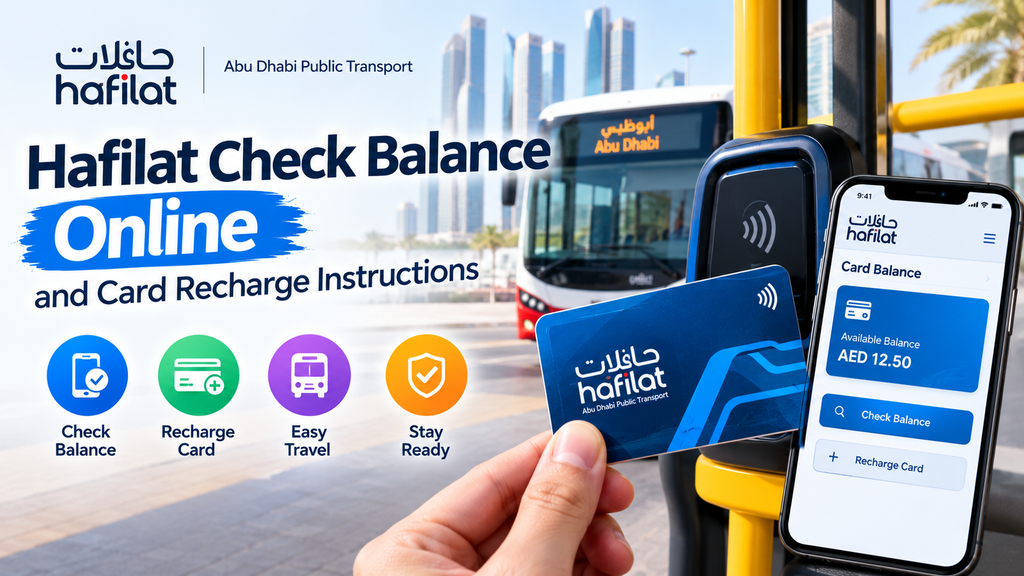
Hafilat cards make traveling on public buses in Abu Dhabi easier by allowing passengers to pay their fares without carrying cash. If you use public transport regularly, knowing how to complete a hafilat check balance online helps you keep track of your remaining credit and avoid travel interruptions. Whether you commute to work, attend classes, or visit different parts of the city, checking your card balance before leaving home can save time.
Along with checking your balance, knowing how to recharge your card is important for uninterrupted travel. The Hafilat card recharge process allows passengers to add credit through available official channels. In this guide, you will learn how to check your card balance, explore recharge options, and solve common card-related problems.
What Is a Hafilat Card?
A Hafilat card is a smart travel card used to pay for public bus journeys in Abu Dhabi. Passengers can load credit onto the card and use it to pay eligible fares when traveling on supported bus services.
The card offers several benefits:
- Easy payments: Pay bus fares without carrying cash.
- Convenient travel: Use one card for eligible journeys.
- Balance tracking: Check your remaining credit before traveling.
- Quick boarding: Tap your card on the required reader when boarding and, where required, when leaving the bus.
Different card types may be available for different passengers and travel needs. Check the official transport information to understand which card suits your situation.
How to Check Hafilat Balance Online?
Checking your Hafilat balance online helps you know how much credit remains on your card before traveling. If your balance is low, you can explore the available hafilat card recharge options through official Abu Dhabi transport services. Keeping enough credit on your card helps you avoid delays and makes your daily bus journeys more convenient.
Follow these general steps:
- Open the official Abu Dhabi mobility or public transport service.
- Look for the Hafilat card balance or card inquiry option.
- Enter the requested card number or other required details.
- Submit the information and review the displayed balance.
- Check whether any recent recharge has been added to your available credit.
Keep your card number accurate when entering the details. If the website does not show a balance inquiry option, use an official customer service channel or an available ticket machine to check your credit.
Can You Check Your Balance Without Logging In?
Some transport services may provide card information without requiring a full account login, while others may ask you to sign in or provide additional details. Follow the instructions shown on the official platform rather than entering your card information on an unfamiliar website.
For regular passengers, checking the balance before a busy morning journey can help prevent unnecessary delays.
Hafilat Card Recharge Methods
Adding credit to your card allows you to continue using eligible public bus services. The available payment methods and recharge locations can change, so confirm the current options through official Abu Dhabi transport channels.
Common options may include:
- Online recharge: Use an official digital service if online top-ups are available for your card.
- Ticket vending machines: Visit a supported machine and follow its instructions.
- Authorized sales outlets: Ask whether a nearby approved outlet offers Hafilat top-ups.
- Customer service locations: Check whether a designated transport service center can help you recharge.
Before making a payment, confirm the minimum recharge amount, accepted payment methods, and any service fees that may apply.
How to Complete a Hafilat Card Recharge?
The exact steps depend on where you add credit, but the process is generally simple.
- Select the recharge or top-up option.
- Enter your card details or place the card on the reader when instructed.
- Choose an available recharge amount.
- Select an accepted payment method.
- Confirm the transaction and wait for the payment result.
- Keep the receipt or transaction reference until the credit appears.
When using an online service, read the confirmation message carefully. Some transactions may require additional time or a card validation step before the credit becomes available for travel.
What to Do If Your Recharge Does Not Appear?
Sometimes, a completed payment may not immediately appear in the available balance. This can happen because of processing delays, technical problems, or additional steps required to update the card.
If your top-up is missing, try these steps:
- Check your payment receipt or transaction history.
- Confirm that you entered the correct card number.
- Wait for the processing period stated by the official service.
- Follow any instructions for activating or validating the new credit.
- Contact official customer support if the balance remains unchanged.
Do not make repeated payments immediately without checking your first transaction. You could accidentally pay more than intended.
Tips for Managing Your Hafilat Balance
A few simple habits can make public transport easier to manage.
Check your credit regularly. Review your balance before your usual travel time, especially if you take several bus journeys each day.
Recharge before your balance runs low. Keeping some credit available reduces the chance of running short during a journey.
Save payment records. Receipts and transaction numbers can help customer support investigate missing credit.
Use official services. Enter card details and payment information only through trusted transport channels.
Check card validity. If your card stops working despite having credit, confirm whether it is valid and in good working condition.
Allow time for processing. Avoid assuming that every online payment becomes available instantly.
Common Hafilat Card Problems
Passengers may occasionally experience issues while checking balances or using their cards. Knowing the possible causes can help you decide what to do next.
- Balance not displayed: Check your card details and try an official alternative.
- Recharge pending: Review the transaction status and wait for the stated processing time.
- Card not detected: Position the card correctly on the reader and try again.
- Payment declined: Confirm your payment method and available funds.
- Card not accepted on the bus: Ask an authorized service representative to check its status.
If the problem continues, provide customer support with your card details through a secure official channel and share the transaction reference when relevant.
Conclusion
Knowing how to complete a hafilat check balance inquiry helps you prepare for bus journeys across Abu Dhabi without unnecessary stress. Regular checks allow you to monitor your remaining credit, while understanding the available recharge options makes it easier to keep your card ready for travel.
For a successful hafilat card recharge, use an authorized service, follow the payment instructions, and keep your transaction receipt until the credit appears. If you experience a delay or a card problem, consult official transport support for accurate guidance. These simple steps can help you manage your travel balance and enjoy a more convenient public transport experience.


