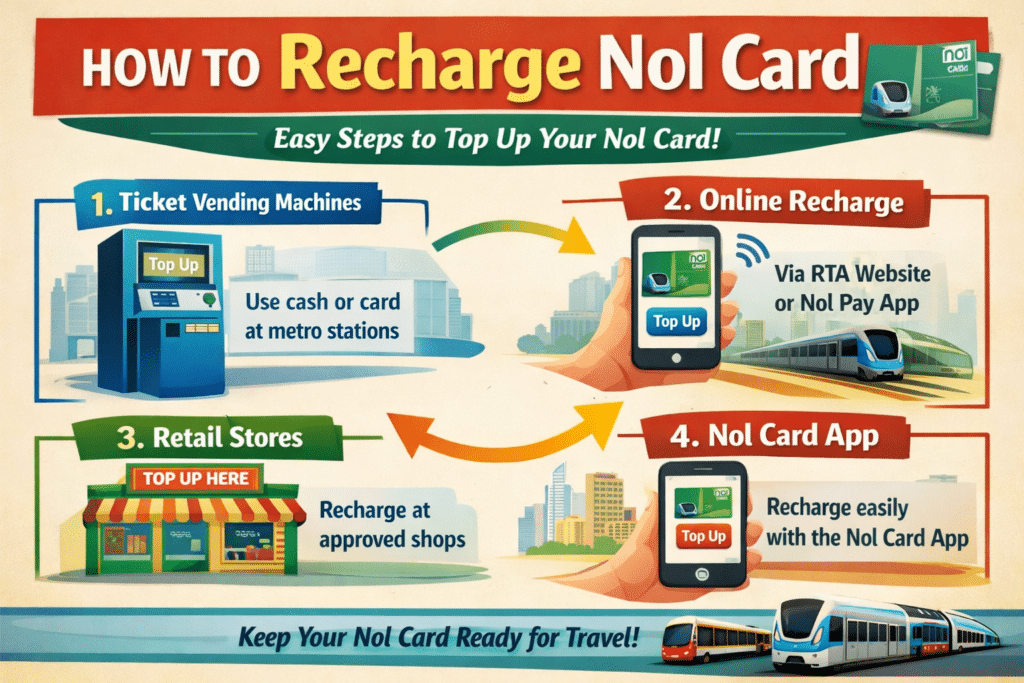
The Nol Card functions as a vital solution for Dubai public transit, allowing riders to pay for Metro, Bus, Tram, and Water Bus payments. Your Nol Card needs regular recharging if you aim to keep using its convenience.
In this blog, I will guide you through all the possible ways to recharge your Nol Card, ensuring that you can always top up your balance whenever and wherever needed.
Methods to Recharge Nol Card
You can recharge your Nol Card by using different channels such as internet facilities and mobile applications, as well as automated bank automation and physical locations within the metro stations and business stores across Dubai.
Below are the detailed steps for each method.
- RTA Website
- RTA App
- At Metro or Bus Stations
- At RTA Customer Happiness Centers
- Via Nol Pay App
- Via Nol eWallet
1. Online via RTA Website
Steps:
- Visit the official RTA Nol website.
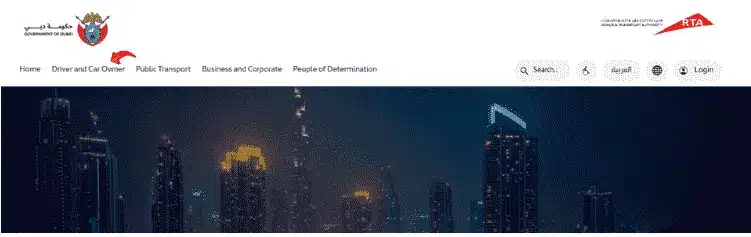
- Go to the Nol section.

- Click on “Top Up Nol Card”.
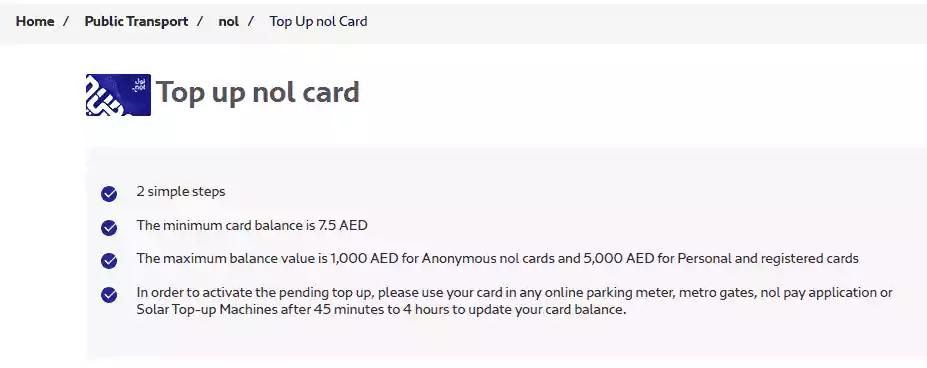
- Use your Nol Card number, which appears on its backside, to continue.
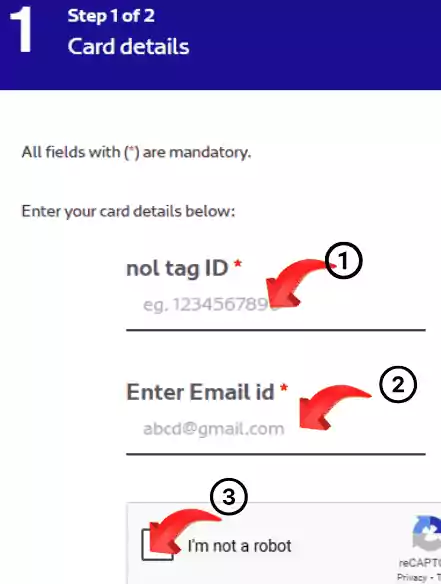
- You can add funds to your Nol Card using your credit or debit card payment system.
- Your Metro Station Gate or Bus Validator must accept your NOL card recharge during the first 24 hours after the transaction.
2. Using the RTA Dubai App
Steps:
- Download the RTA Dubai App from the Play Store or App Store.
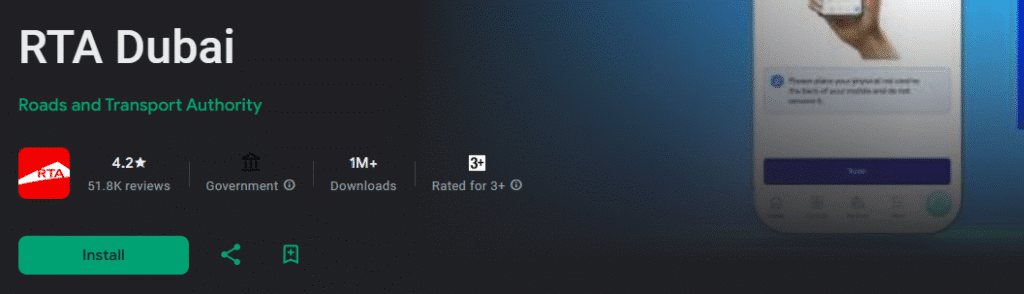
- Open the app to access the section containing Nol Services.
- Select the option “Top Up Nol Card” before you proceed to enter your payment information.

3. At Metro or Bus Stations (Ticket Vending Machines)
Steps
- Any Dubai Metro Station or Bus Station serves as a location to fulfill this need.
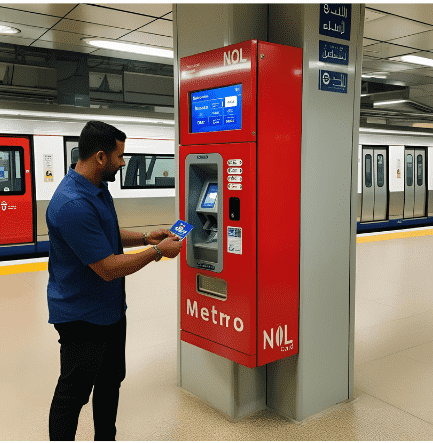
- For Nol Card recharge, visit Ticket Vending Machines at stations.
- Place your Nol Card inside the available slot of the machine.
- Display the “Top Up” menu then decide the funding amount.
- Users can pay for Nol card recharges through debit cards and credit cards in addition to cash.
- The systems automatically recharge your Nol Card.
4. At RTA Customer Happiness Centers
Steps
- Visit an RTA Customer Happiness Center in Dubai.
- You need to go to the Nol Card Recharge Counter at designated locations.
- Give your Nol Card to the machine operator before indicating the desired value for the recharge.
- The machine allows you to make transactions with cash or a credit/debit card.
- Your card will be recharged immediately.
Read Also: Transfer Nol Card Balance: 3 Quick & Easy Ways
5. At Partner Stores (Supermarkets & Banks)
Steps
- Visit a supermarket or bank that partners with RTA (e.g., Carrefour, Lulu, Zoom).
- Request the cashier to provide extra balance to your Nol Card.
- Rephrase the transaction using your Nol Card while making a payment.
- Your recharge will be processed instantly.
6. Via Nol Pay App (For NFC-enabled Phones)

Steps
- You can find the Nol Pay App available through Google Play Store and Apple App Store for download.
- The first step to use this method is to enable NFC on your phone.
- Open the app and place your Nol Card near the phone.
- Open the “Recharge” menu and input the desired amount, and pay for the transaction.
- The Nol Card updates your balance right away.
7. Auto Top-Up via Direct Bank Setup
Steps
- Link your Nol Card through the RTA website to your bank account.
- You should establish Auto Top-up, which will recharge your Nol Card whenever it reaches your specified minimum balance threshold.
- The Nol balance system will automatically refresh using your linked bank account any time your card balance falls below the specified threshold.
NoL Card Recharge Issues & Solutions
You may face some difficulties, although they find the Nol Card recharge process easy to complete. Some of the standard Nol Card recharge difficulties, together with their solutions, include:
1. Nol Card Balance Not Updating After Online Recharge
Possible Causes
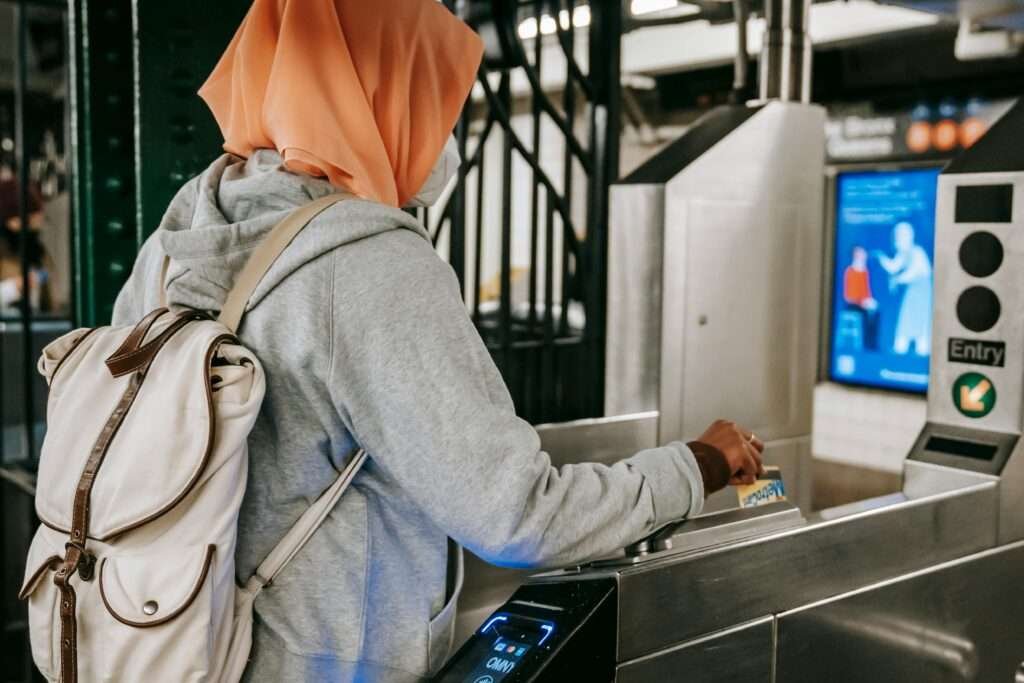
- A Nol Card recharge must be validated through either a Metro Gate or Bus Validator device within 24 hours from the time of purchase.
- The transaction processing could take additional time before completion.
Solution
- Once you allow some hours to pass, attempt the recharge procedure again.
- Contact RTA customer support in case the balance remains unupdated.
2. Payment Declined When Adding Money to Nol Card
Possible Causes
- Insufficient balance in your bank account.
- The online transaction platform does not accept payments through credit/debit card methods.
Solution
- The Metro station and partner stores accept cash payments, which can be used instead.
- Check with your bank regarding the status of your card for online payment authorization.
3. Auto Top-Up Not Working
Possible Causes
- There are not enough funds available in the bank account linked to the RTA.
- The system fails to activate the auto top-up function correctly.
Solution
- Open your bank account portal and verify whether automatic payment processing is active.
- Users can locate auto top-up settings by accessing the RTA website or app.
4. Nol Pay App Not Detecting the Card (For NFC Users)
Possible Causes
- Your smartphone needs NFC capability, which is currently disabled.
- The Nol Card’s alignment with the NFC reader on the phone is off.
Solution
- Your smartphone needs you to enable NFC functionality by accessing its settings menu.
- Place your Nol Card on different locations of the phone to create successful connections.
Read Also: Check Your Al Ansari Balance in Seconds! (Easy Guide)
Nol card types, balance limits and support: what to know before you top up
Before you pick a recharge method, it helps to know which card you are holding, because the card type decides how much you can store and what the card costs. According to the RTA Nol page, there are four main products. I have put them in a table so you can compare quickly.
| Card | Price (RTA) | Stored value notes |
|---|---|---|
| Nol Silver | AED 25, includes AED 19 e-purse value | After registration, the e-purse can be loaded up to AED 1,000 |
| Nol Gold | AED 25, includes AED 19 e-purse value | Same features as Silver, plus access to Gold class seats on the metro at a premium fare |
| Nol Blue (personalised) | AED 70, includes AED 20 e-purse value | E-purse can be loaded up to AED 5,000 |
| Nol Red Ticket (paper) | AED 2 | Can be loaded with up to 10 single trips |
The RTA page does not list a validity period, a per-top-up limit or a top-up fee, so I will not guess at them. If you need those details, check the RTA site or ask RTA directly.
Why registering your card matters
The RTA states that the Silver and Gold e-purse limit of AED 1,000 applies after registration. In practice that means an unregistered card is the one most likely to hit a ceiling when you try to add a larger amount. If you plan to load a lot at once, register first, or consider the personalised Blue card if it suits you.
Things worth remembering about top-ups
- Add balance before you travel. Wikipedia’s Nol card article notes that credit must be added to the card before a journey, so do not rely on topping up at the gate.
- The same article lists the usual top-up points as online, ticket machines, ticketing offices, RTA customer service centres and authorised sales agents, and says payment can be by credit card, debit card or cash. Which options work for your specific card type can differ, so read the on-screen instructions.
- Wikipedia also records that the minimum balance needed to start a journey was raised from AED 1.80 to AED 7.50 in August 2014. That figure comes from a 2014 change, so treat it as background and watch the balance shown at the gate.
- Nol can also be used for paid parking and for some taxi rides, which is another reason to keep a small buffer on the card.
Lost, damaged or expired cards
The RTA lists a refund service for lost, damaged or expired cards, with the money returned in cash or as a balance transfer. Balance and overcharge refund services are listed separately. If your card stops working and you have not used it for a while, this is the page to start from rather than buying a new card straight away.
Official support channels
The RTA page gives an email address, ask@rta.ae, and a live chat with its virtual assistant, plus a Contact Us page with customer happiness centre locations. No phone number is shown on that page, so use the Contact Us page for the current details. For background on how the Nol system began, see the Wikipedia article on the Nol card, which says it was introduced in August 2009.
Related guides
- Dubai Metro Card: Get it Now! in 2026
- Top‑Up Hafilat Card Instantly via Website or Darbi App
- Check Hafilat Balance Instantly – 2 Easy Methods in 2026
- Dubai Creek FAST: Metro Hack in Minutes (Skip Taxis!)
Final Words
You can easily charge your Nol Card through three main channels that include e-payments, in-person stations, and applications, followed by retail stores. These steps will maintain enough balance on your Nol Card so you can freely access all public transport services in Dubai.
Set up the Auto Top-up option through the platform to have access to your balance at all times.


